
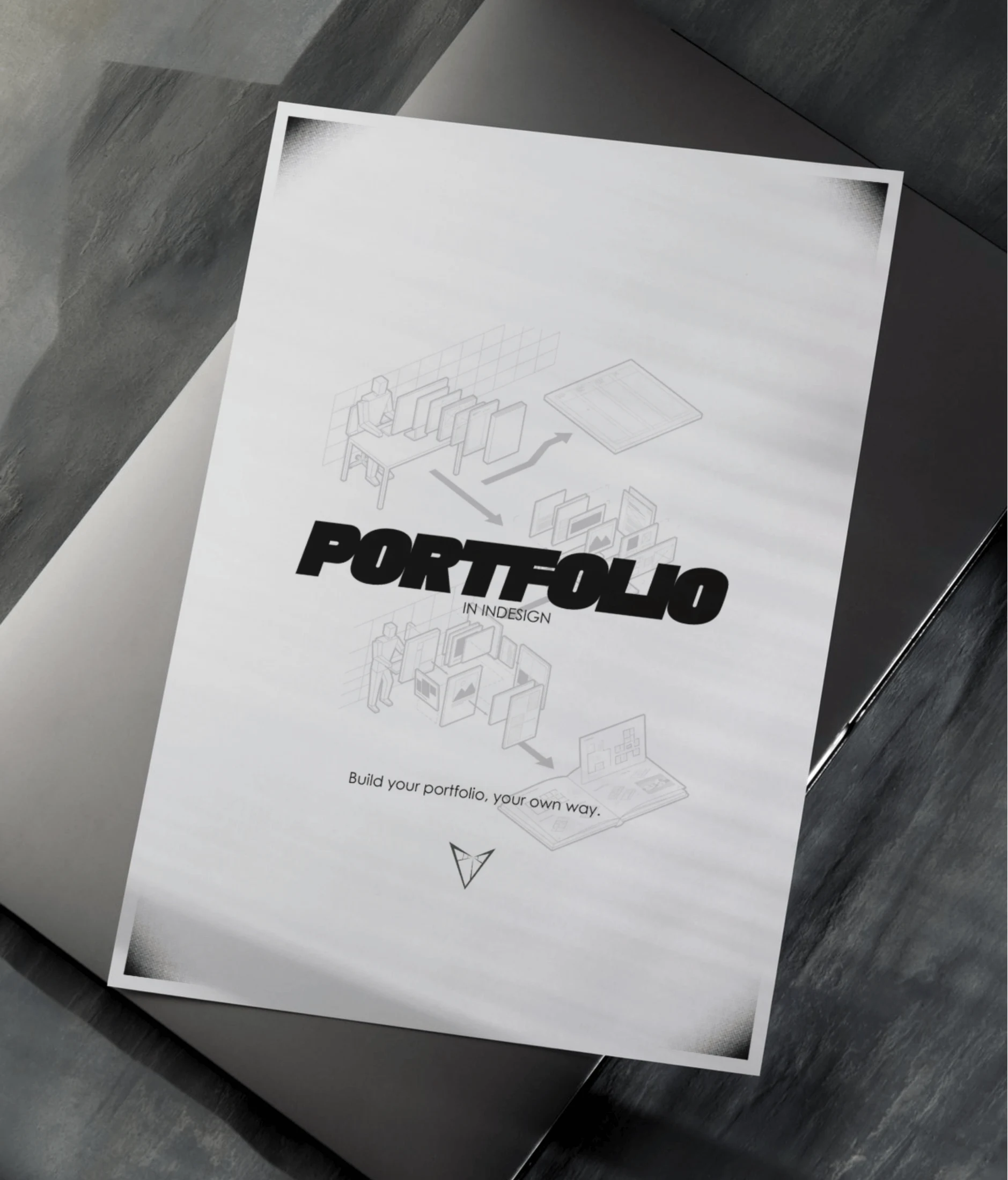
Portfolio in InDesign.
Build your portfolio, your own way.
An editorial workflow for turning architectural work into a coherent portfolio. Move from project selection and file preparation to grids, typography, page composition, image handling and final PDF delivery, with creative alternatives throughout.
- Format
- Digital PDF
- Language
- English
- Inside
- 44 numbered content pages
Price, available payment methods and purchase terms are shown at checkout.
FOR YOUR
NEXT CHAPTER.
Architecture students and emerging designers preparing an academic or professional portfolio.

What you will explore
- Select and sequence projects into a clear portfolio narrative.
- Build a consistent grid, typography and color system.
- Compose introductory pages, project studies and technical drawings.
- Handle linked images and prepare consistent visual material.
- Adapt layouts to different project scales and amounts of content.
- Prepare digital and print PDF exports and review common mistakes.
Tools / Adobe InDesign. Optional image preparation in Photoshop; vector drawing exports from CAD or BIM software.
FROM FIRST
IDEA TO
FINAL PDF.
- 00Introduction
- 01Before Opening InDesign
- 02InDesign Setup
- 03The Graphic System
- 04Page Architecture
- 05Image Handling
- 06Export and Delivery
- 07Common Mistakes
- 08Free InDesign Template
- 09Closing
- 10Appendix
48 designed pages including contents and covers. The supplied PDF contains 25 pages because the interior is exported as spreads.
A FEW PAGES
TO BEGIN.
Explore the cover, contents and a sample lesson. Select a page to enlarge it and read the detail.
Portfolio in InDesign cover with architectural page diagrams
Open sample images individually
- Sample 1 — Portfolio in InDesign cover with architectural page diagrams
- Sample 2 — Contents: preparation, graphic system and page architecture
- Sample 3 — Contents: export, common mistakes, template and appendix
- Sample 4 — Sample lesson on color and contrast
- Sample 5 — Sample lesson on white space and visual hierarchy